Annoying Windows 10 Internet Throttling/Bandwidth Slowdown Issue
- Giko
- Technology , Windows
- May 30, 2020
Table of Contents
Slow internet speed
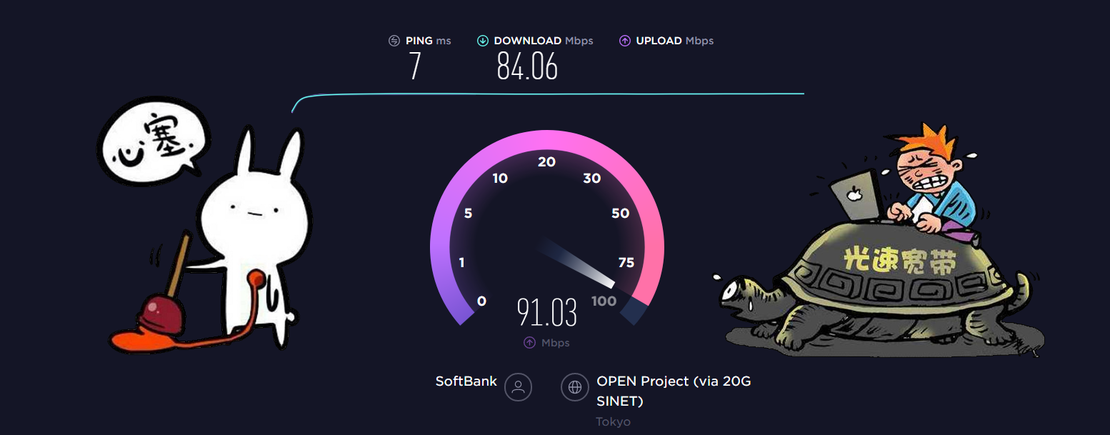
Usually, I blame slow internet speed on my garbage internet service provider and residential equipment limitations, only having ordinary 100 Mbps fiber, and during evening peak hours, it becomes turtle speed. But thinking rationally, I consider the following points:
- Provider regional communication peak (imagination)
- Simultaneous usage peak (imagination)
- Router overheating causing poor communication (imagination)
- Poor cables or interference in WIFI (imagination)
But I never imagined that the Windows system would throttle internet speed under certain conditions. (…Usually, a pit is something that takes a long time to climb out of, through difficult unresolved knots.)
I bought an Nvidia Shield TV 2019
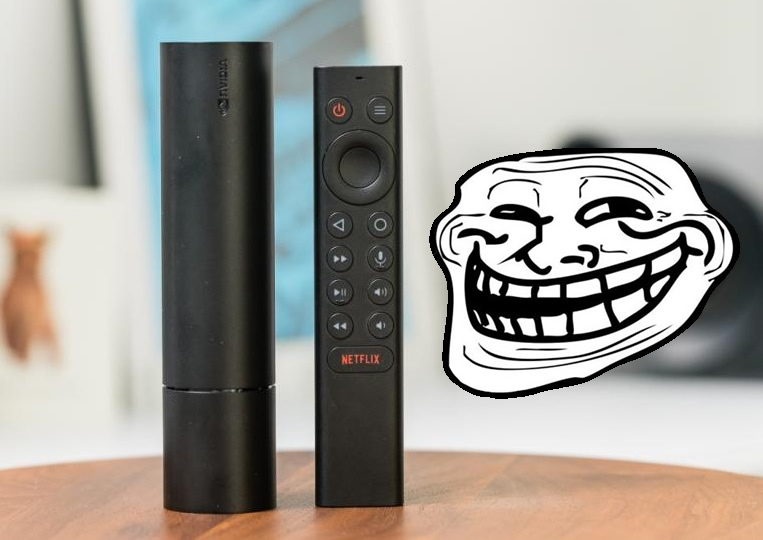
Although I mainly got it for 4K, not gaming, I couldn’t resist the legendary streaming, especially after I got GTA5 for free. Thus:
- Streaming host configuration - OK! (Lenovo Game PC)
- Speed test - OK!
- Game installation - OK!
- Start streaming!…… Image starts deteriorating…… Network too slow, disconnect!!!
Ah!!! Ah!!!

Afterwards, for one or two weeks, each time I tried opening it with hope, wondering if it would suddenly become smooth. Every time was futile. Until one weekend… (Since my home gaming PC usage isn’t very high, I wasn’t actually sensitive to internet speed.)
I opened a webpage early in the morning… so slow…
Netflix speed test function… 5-10 Mbps…
Is it because everyone is at home during the pandemic, internet slowed down (inertial thinking).
Having nothing better to do, I opened the router page to see if IPv6 connection information changed
…Router page… so slow…
Hmm… use the router’s speed test function
…80-85 Mbps… Huh?
My machine is slow!!?
First failed attempt: Since it’s a single machine issue, first run as administrator:
netsh winsock reset
Netflix speed test - 80 Mbps revived Then maybe my Nvidia Stream will work. Test immediately!
- Speed test - OK!
- Start streaming!…… Image starts deteriorating…… Network too slow, disconnect!!!
Hmm… without game… 80 Mbps With game… 10 Mbps Without game… 80 Mbps With game… 10 Mbps
Ah!!! Ah!!! What’s going on!!!
Could it be that the initial slow internet speed was because the machine didn’t recover after closing the game last time?… Such a bloody reason!
Research - Searching Google for solutions everywhere
Because there’s too much messy information on this topic, skipping the twists and turns. Directly hit the key points: Win10 internet speed, steps to remove throttling:
- Press Win + R combo key, open Run, and enter: gpedit.msc command, confirm or press Enter, open Local Group Policy Editor
- In the Local Group Policy Editor window, expand sequentially: Computer Configuration - Windows Settings, then find and right-click Policy-based QoS on the right side, select Advanced QoS Settings in the opened menu
- In the Advanced QoS Settings window, switch to Inbound TCP Traffic, check Specify inbound TCP throughput level, and select Level 3 (Maximum throughput), finally click OK
- Return to the Local Group Policy Editor window, expand sequentially: Computer Configuration - Administrative Templates - Network, then find and double-click QoS Packet Scheduler on the right side
- Then under QoS Packet Scheduler, find and double-click Limit reservable bandwidth
- Limit reservable bandwidth, and modify the bandwidth limit option below to 0, and confirm save
Retest Nvidia Stream
Netflix speed test - 80 Mbps revived!!
Nvidia Stream test - Revived!!! Internet speed doesn’t slow down when playing games. This again strengthened my determination to buy a Bluetooth controller. Although it might gather dust most of the time.

The author writing the solution online also said - Not sure if it’s useful, but it might become faster.
And this experience once again proves that people always think they know everything, but actually know nothing.
Keeping a humble heart for learning has always been so important.
After reinstalling Windows: Final resolution for this problem
In subsequent uses, this problem kept recurring. The reason is that most game platform clients (EpicGame, Battle.net) throttle speed during game downloads, which is understandable for games often 100GB, with download speeds 8MB-10MB/s. But for some reason, the system policy applied during game download/installation also affects gameplay, causing tragic results.
In desperation, Windows had the 2020 May update, making clean system reset from the cloud very simple. After 30 minutes reinstallation, about 1 hour environment setup, and multiple attempts, it finally returned to normal.
Summary: The above commands and policy modifications do produce certain effects. But if the root cause isn’t found, it will probably recur in most cases. Reinstallation also proves that normally system settings don’t require user intervention. So usually try to keep data saved on different drives, and daily processing try to use cloud services. This way, in case of emergency, you can easily reinstall the system—a tried and true remedy.